 Fancy Digital
Apps that work for you.
Small, sharp tools built by one person who needed them. They run on your phone, work with no signal, and never sell your data.
Early access: read before you rely on it
- These apps are early access. We update them often, sometimes daily, until launch.
- How things work can change. Buttons, screens and math can change with an update, and a saved job may show different numbers than it did before.
- Your saved data could change or be lost. It lives on your phone. An update or clearing your browser could change it or wipe it. Save a backup or write down anything you can't lose.
- Check every number before you cut. Follow your local code and inspector. You're responsible for your lumber and amounts.
- Free until Nov 9 with a free account. The account never costs anything. Signed in, every number shows until Nov 9; after that the numbers take a purchase. Anything you saved stays yours.
Eleven apps, one account.
Works with no signal
Every app runs on the phone itself. A basement, a back lot or the woods, it works the same.
Your work stays on your phone
Jobs, plans and notes save to your phone. Signed in, they save to your account too, so a new phone picks up where the old one left off.
One account, every app
One email and password for all of them. Unlock the apps you use, cancel any time, keep the time you paid for.
Measure Like a Pro
Build it right the first time.
Framing, decks, garages, gazebos and the materials list, from the numbers you type, with every piece drawn and a cut list.
 Free
 Tape Pro
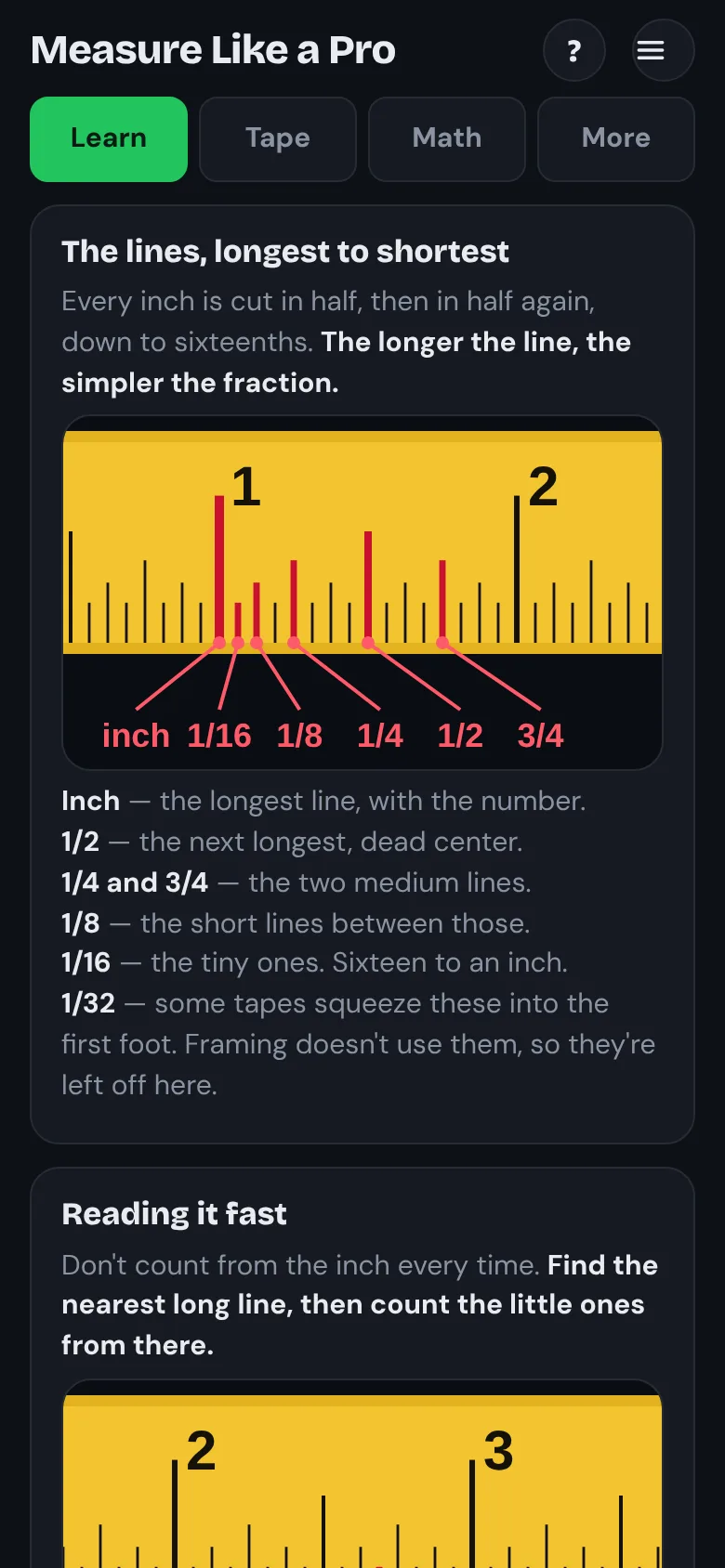
Learn to read a tape measure, with a tape on your phone and the tape math done for you.
Free, no accountMore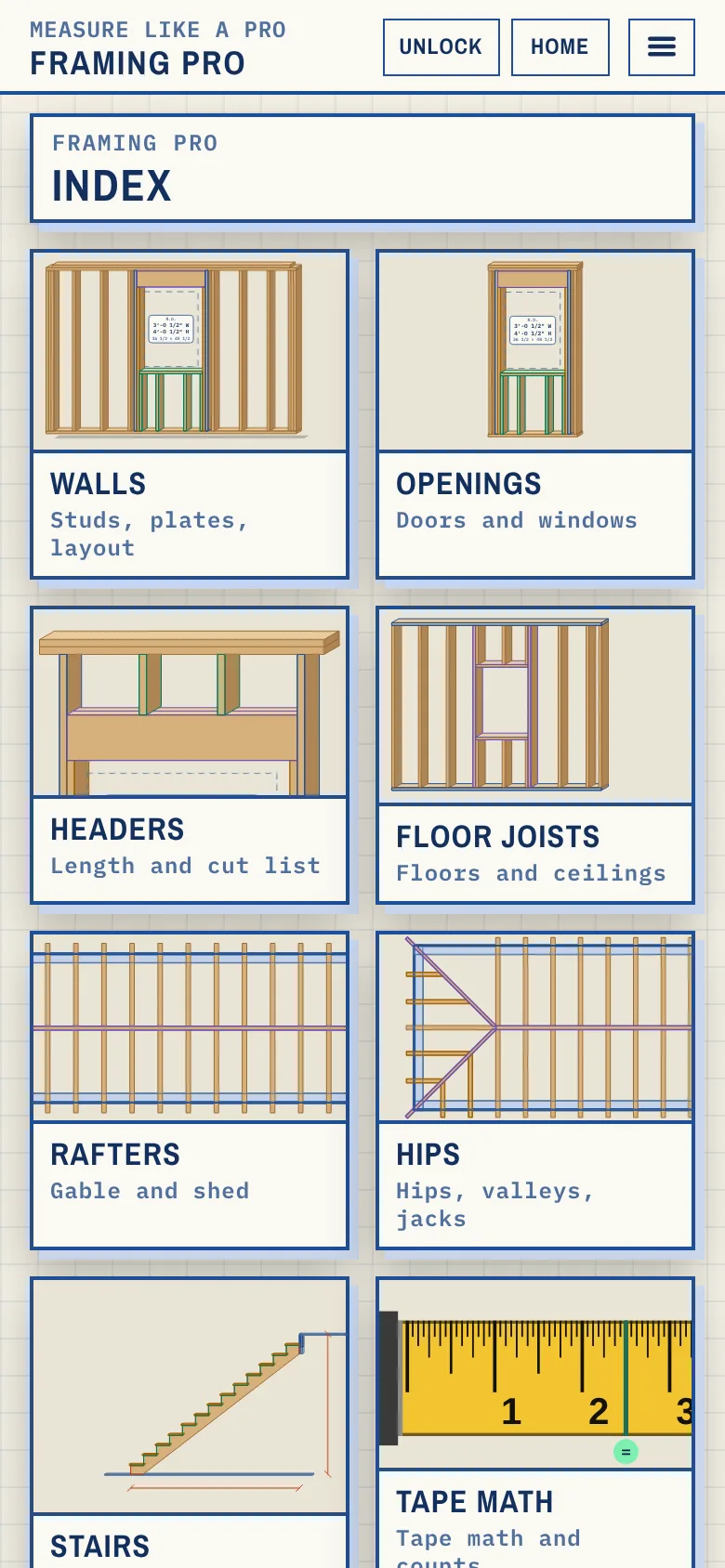 Free until Nov 9
 Framing Pro
Walls, headers, joists, stairs and rafters, each drawn so you see where the number comes from.
$4.99 a month or $39.99 a yearMore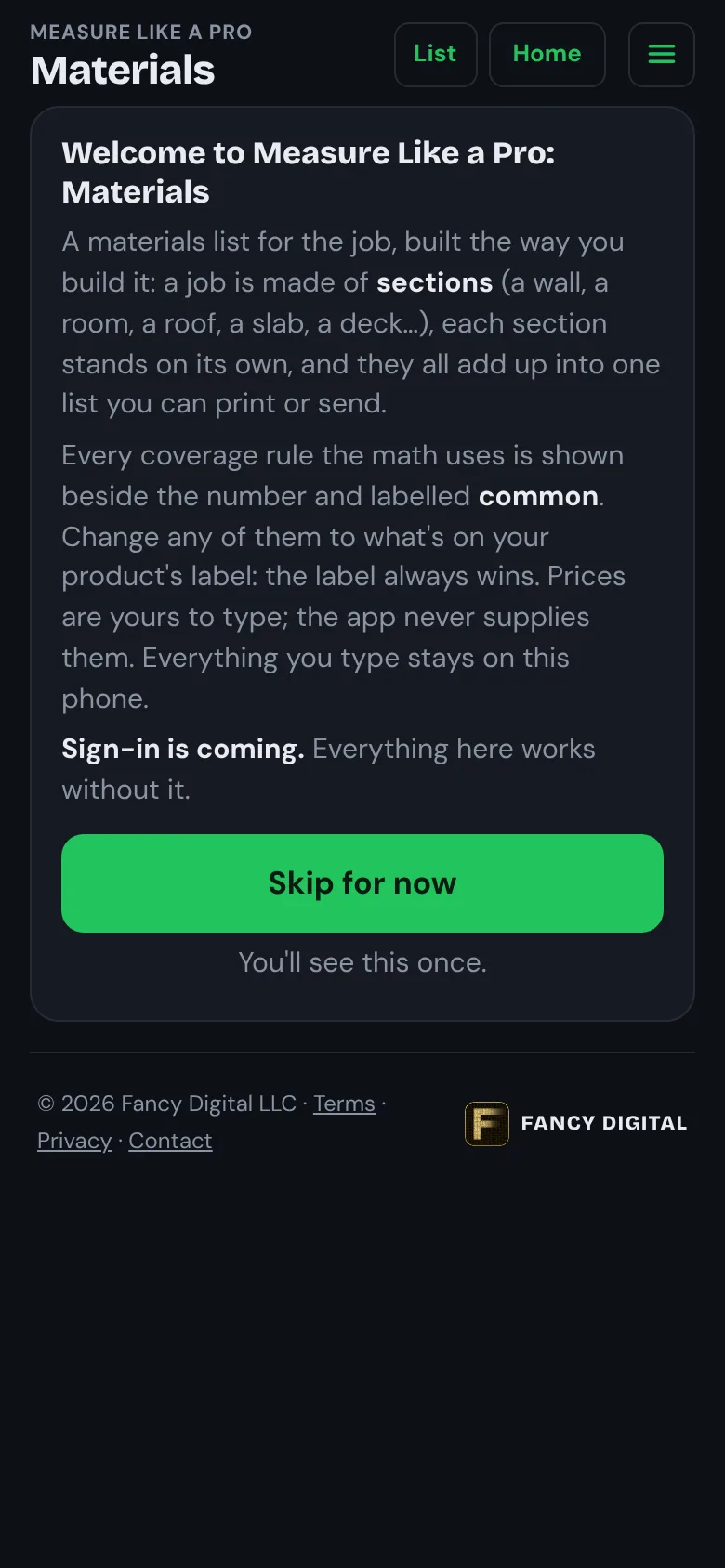 Free until Nov 9
 Materials
The materials list for the whole job, section by section, with a price book that remembers what you pay.
$4.99 a month or $39.99 a yearMore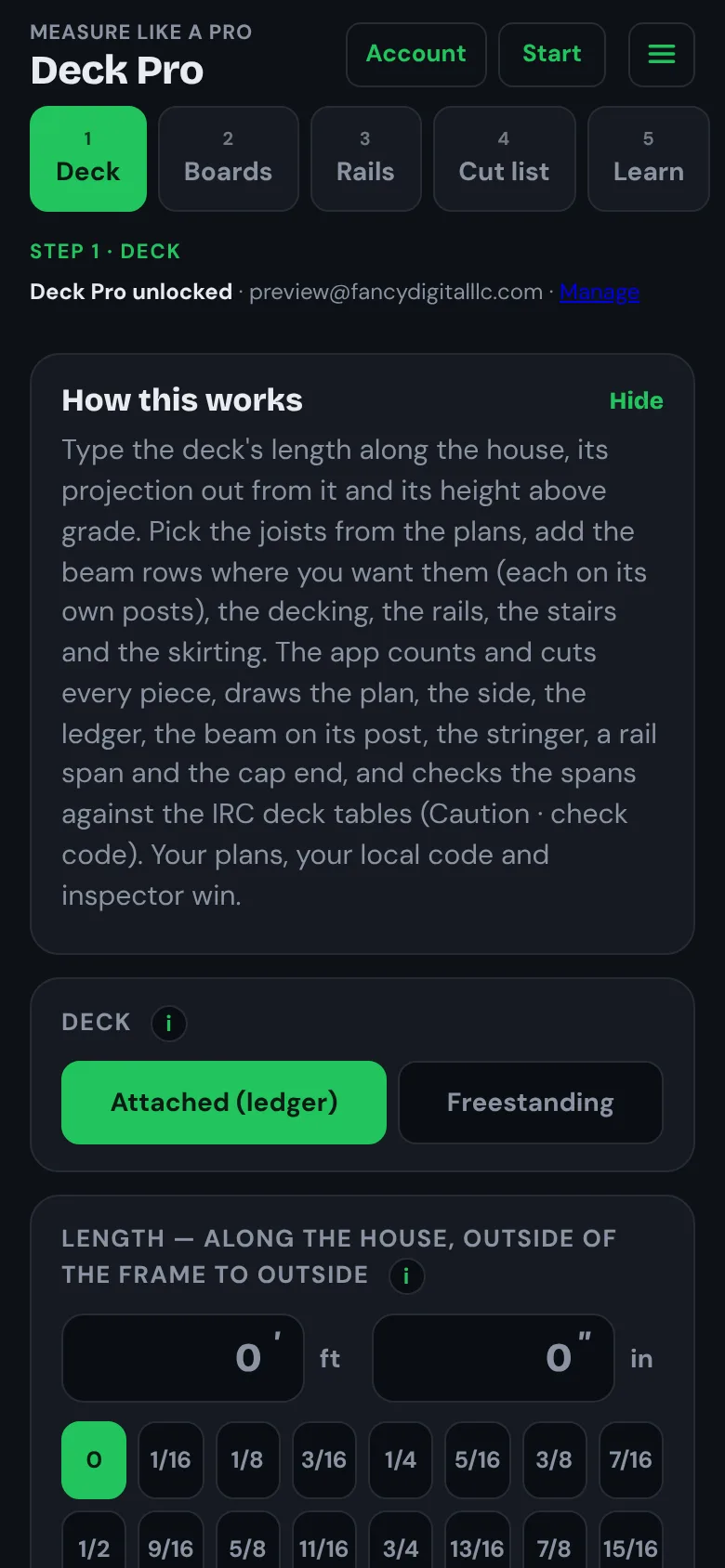 Free until Nov 9
 Deck Pro
A deck from its size and height: joists, beams, footings, railings and stairs, every piece drawn and checked against the code tables.
$6.99 a month or $59.99 a yearMore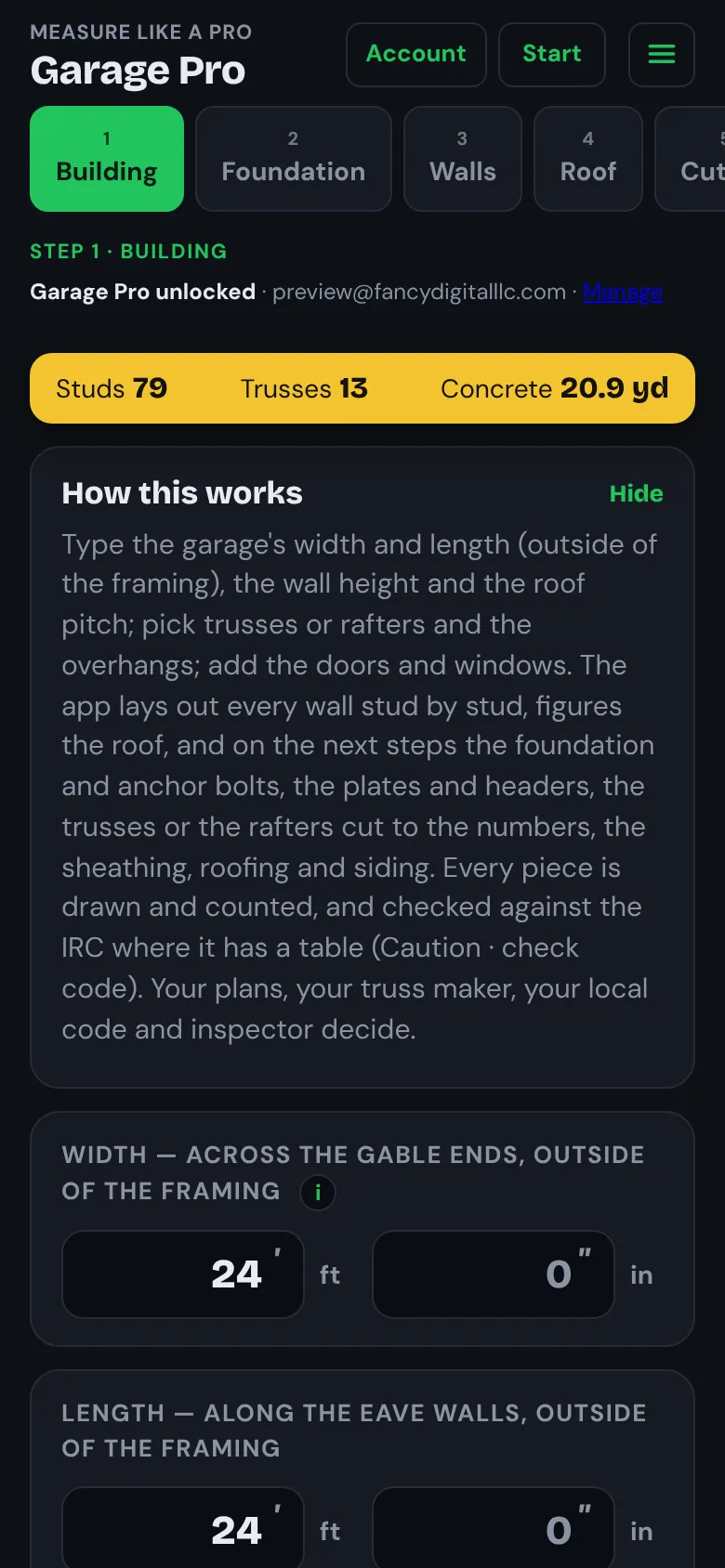 Free until Nov 9
 Garage Pro
A garage from its size: foundation, every wall stud by stud, the roof, siding and trim, with a cut list and the order of work.
$6.99 a month or $59.99 a yearMore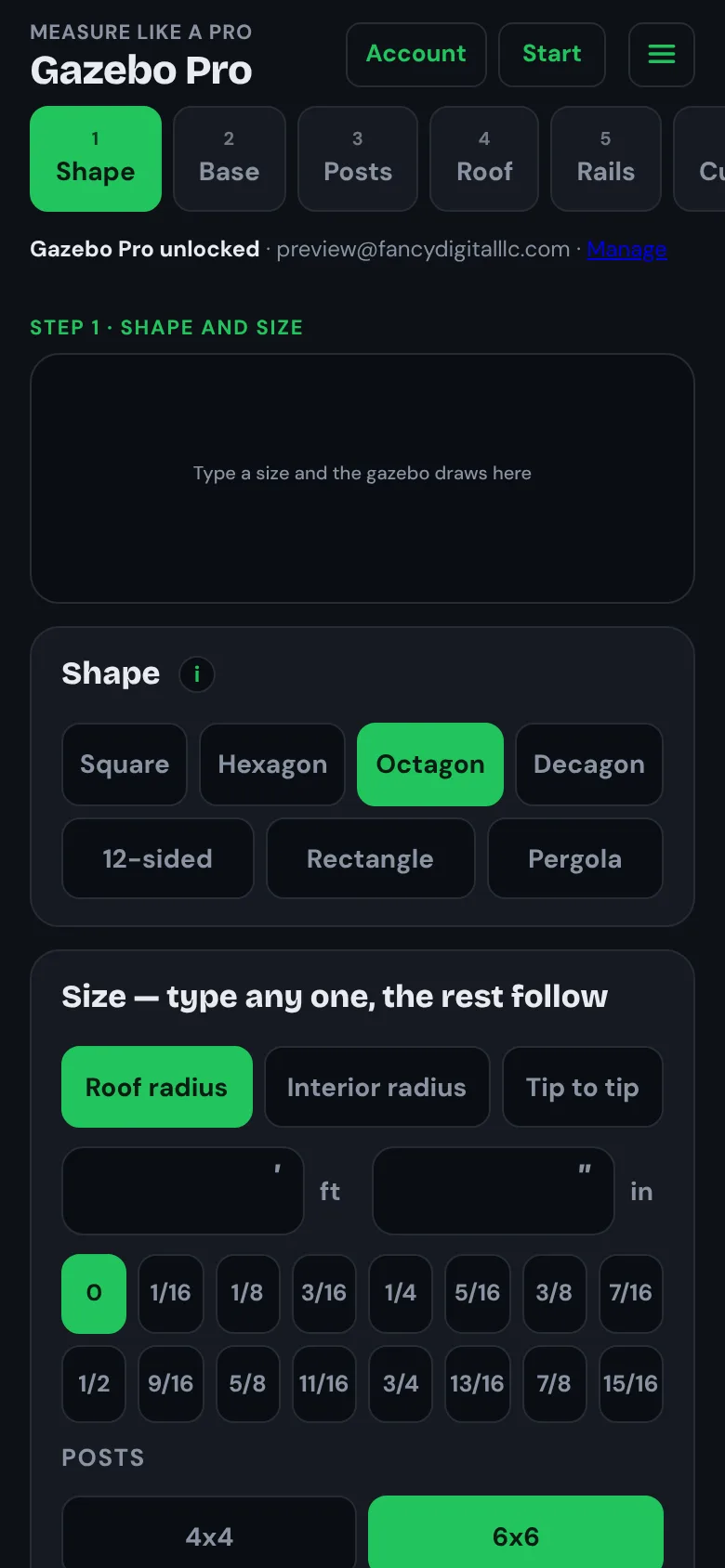 Free until Nov 9
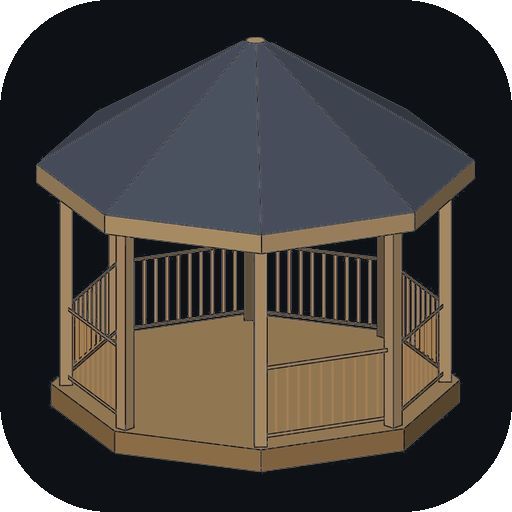 Gazebo Pro
A gazebo, pavilion or pergola from one size: the staking plan, posts, beams, every roof cut and the cut list.
$6.99 a month or $59.99 a yearMoreFamily pass
Every Measure Like a Pro app, one price.
Or $99.99 a year. Framing Pro, Materials, Deck Pro, Garage Pro and Gazebo Pro today, and every Measure Like a Pro app that comes later.
Every number, drawn
Each app draws what it figures: the wall with its studs, the rafter with its cuts, the deck with its joists. You see where every number comes from before you cut.
More from Fancy Digital
Money, home and the outdoors.
 Free until Nov 9
 Sneaky Subscriptions
Drop in a bank statement and see every subscription and bill that repeats. Read on your phone, never uploaded.
$4.99 a month or $39.99 a yearMore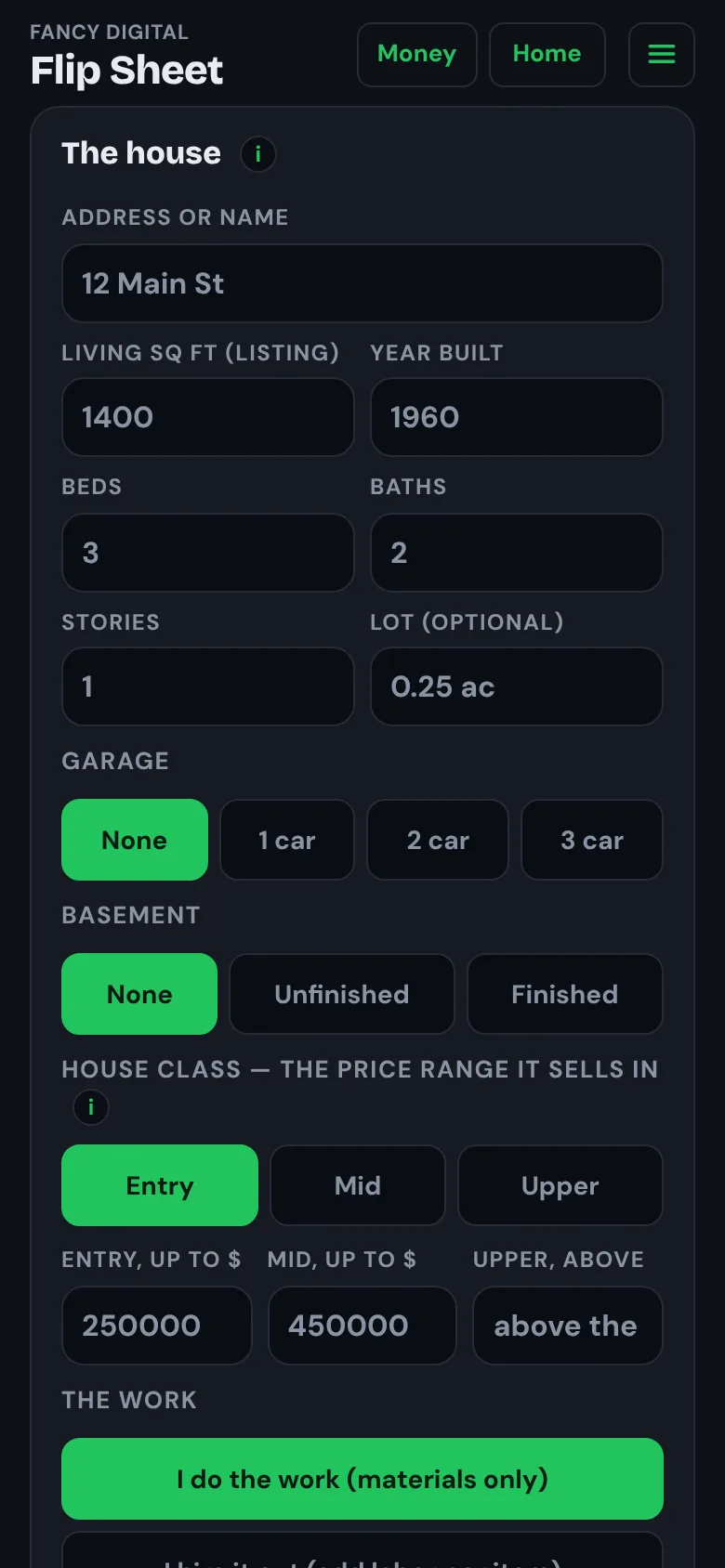 Free until Nov 9
 Flip Sheet
Walk a house room by room, tap what's bad, and get the materials and the money in one sheet.
$4.99 a month or $39.99 a yearMore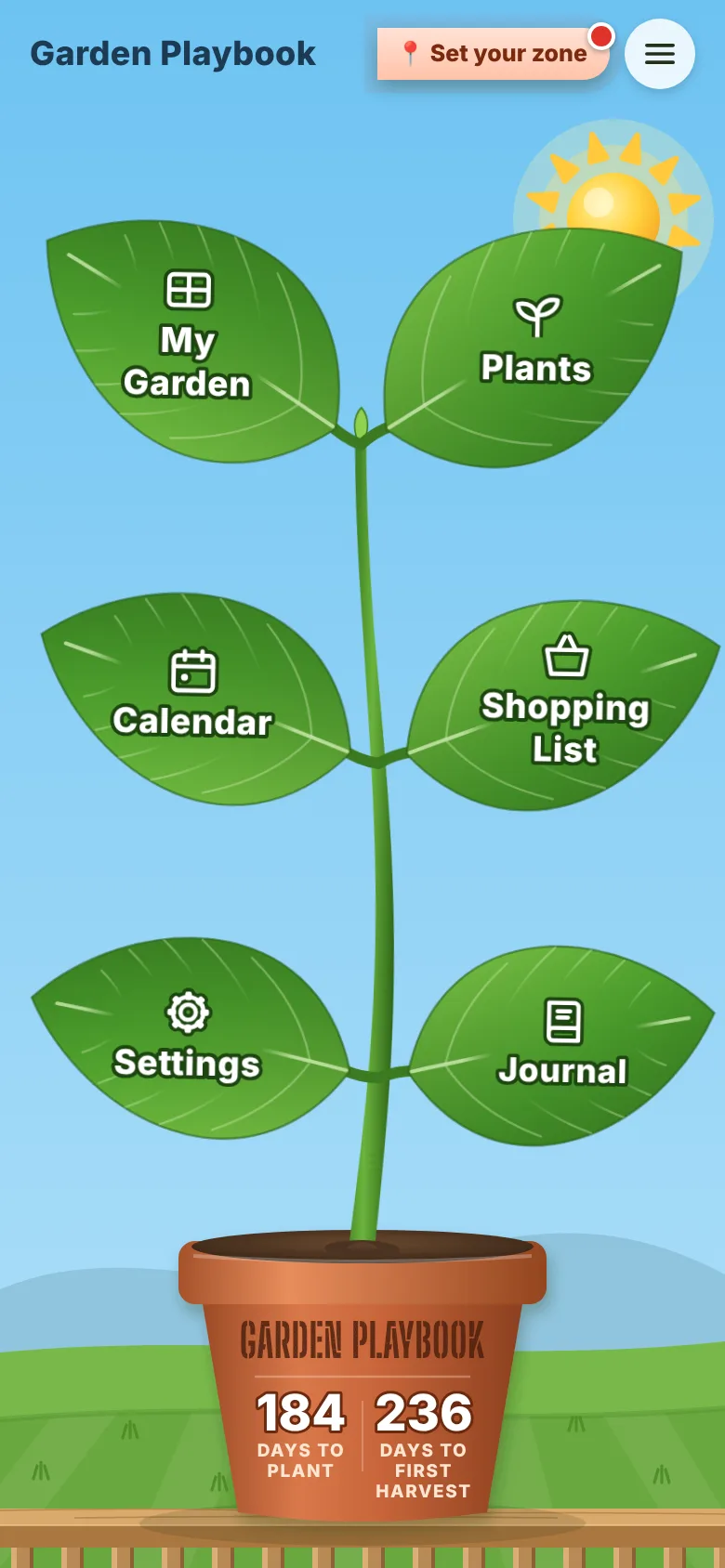 Free until Nov 9
 Garden Playbook
Plan the garden on your own yard and get the planting calendar, shopping list and expected harvest for your zone.
7-day trial, then $19.99 a yearMore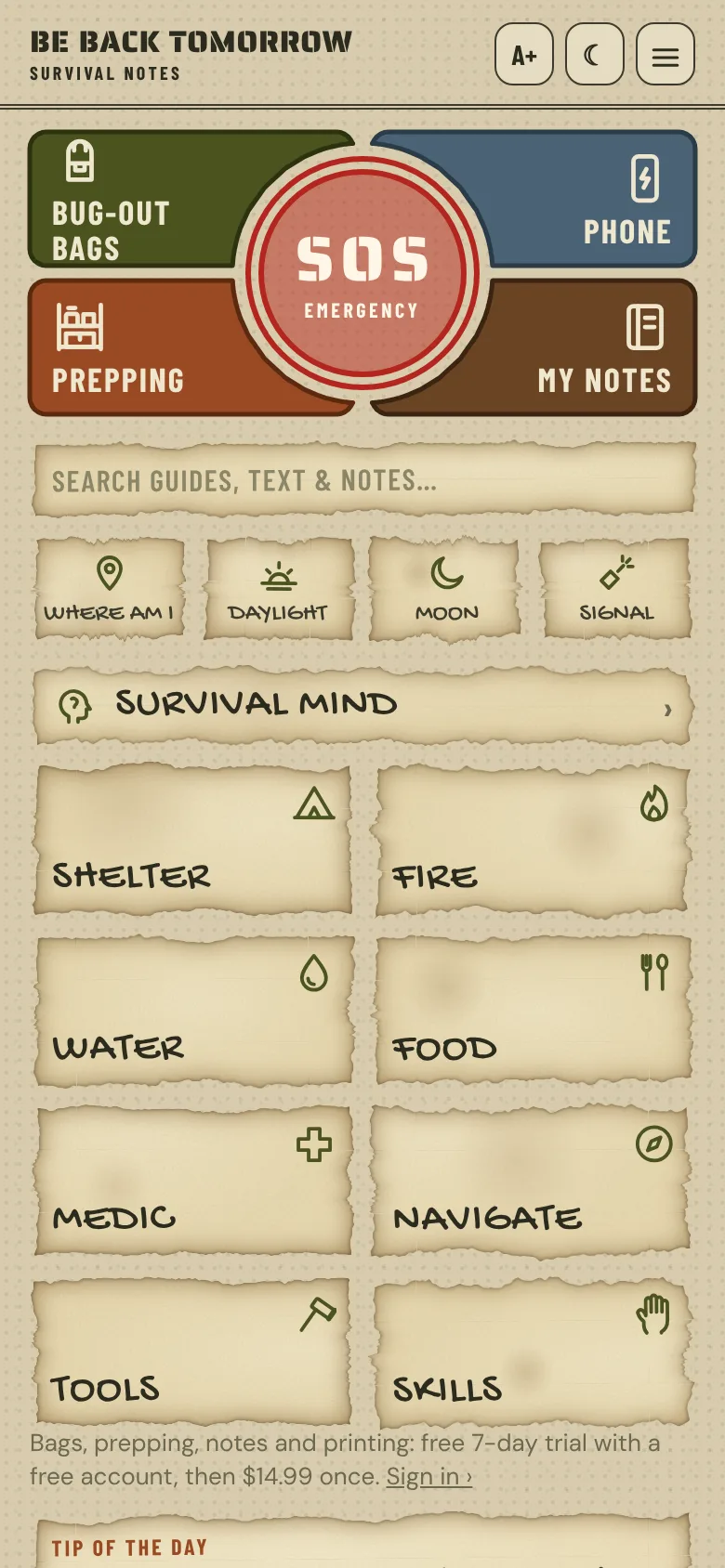 Free until Nov 9
 Be Back Tomorrow
Survival notes that work with no signal: guides, bug-out bags, supplies by location, and your own notes.
7-day trial, then $14.99 onceMore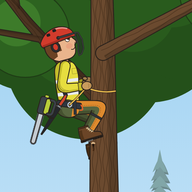 Just A Tree Guy
Run your own tree company. Climb it, rig it, drop it without hitting the house, clean up and get paid.
Free while in testingMorePut it on your home screen.
Every app opens from the home screen like any other app. No app store in between.
- iPhone: in Safari tap Share, then Add to Home Screen.
- Android: in Chrome tap the menu, then Add to Home Screen.
- Computer: in Chrome or Edge click the install icon in the address bar.
Pick the icon for your Fancy Digital shortcut:
 Gold Dark is picked. Already added one? Delete it, pick again, then add it back.